Free AI Image Generator: Text to Image in the Browser
Describe a scene, style, and camera perspective, then generate visuals in seconds. This page includes practical prompt frameworks so you can improve quality without guessing.
Prompt structure that consistently improves image quality
Strong image prompts usually include five parts: subject, environment, style, lighting, and output constraints. Most failed outputs happen because one of those parts is missing or contradictory.
- Subject: Who or what is in the frame?
- Scene: Where is it happening and what details matter?
- Style: Photo-real, editorial, watercolor, vector, cinematic, etc.
- Lighting: Golden hour, studio softbox, neon night, overcast.
- Constraints: Aspect ratio, negative prompts, composition rules.
Template: [Subject] in [scene], [style], [lighting], [camera/composition], [quality cues], avoid [negative elements].
Three practical workflows
Workflow A: Marketing draft in 10 minutes
Start with one campaign concept and generate four visual directions. Pick the best direction, then run two revision rounds for color and layout consistency. Keep a short log of what changed so your team can repeat the result next time.
Workflow B: Educational visual support
Build classroom visuals by describing the concept, learner age, and focus level. Request diagrams with clear foreground/background separation and avoid text-heavy images unless you plan to edit externally.
Workflow C: Concept art exploration
Generate multiple mood directions first. Only after choosing one direction should you ask for high detail. This avoids spending tokens on detail you may discard later.
Reference examples
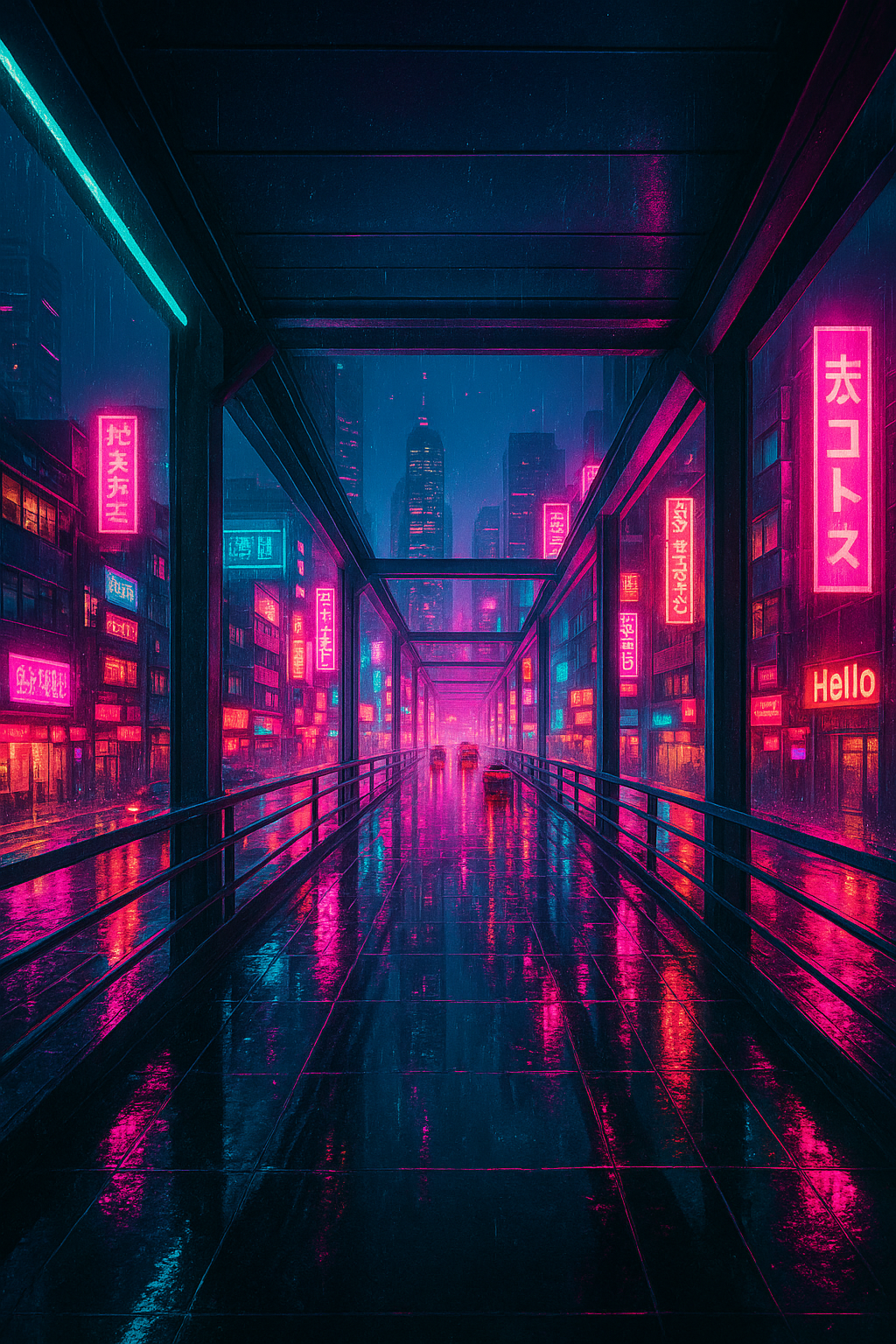
Prompt focus: cinematic rain reflections, fog depth, synthwave palette, wide-angle framing.
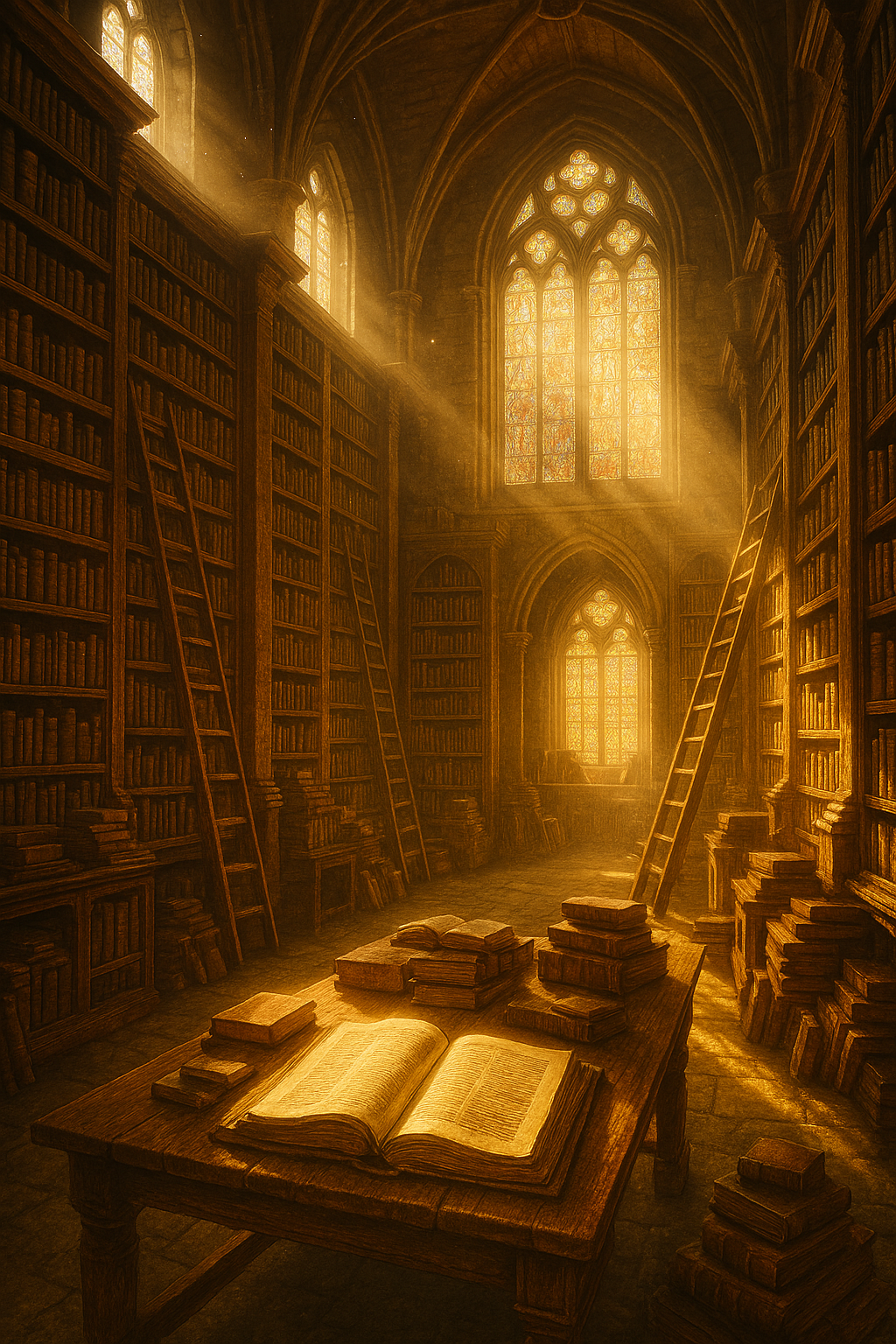
Prompt focus: architecture scale, warm volumetric light, realistic detail and texture contrast.

Prompt focus: night atmosphere, dynamic movement, high contrast subject isolation.
Troubleshooting quick guide
- Result too generic: add unique visual anchors and camera direction.
- Faces look inconsistent: reduce complexity and ask for cleaner composition.
- Style ignored: place style keywords near the start and repeat once in constraints.
- Too much noise: ask for "clean edges, balanced detail, no cluttered background."
- Wrong mood: explicitly set emotional tone and color temperature.
Iteration rule: Change one variable per revision. If you change style, subject, and lighting in one prompt, you cannot learn which factor improved the image.
Usage boundaries
Use generated images responsibly and review usage rights before commercial deployment. Avoid prompts that request harmful, deceptive, or legally restricted content. This page provides an image generation interface and educational guidance; it is not legal advice.
For long-form prompt systems, visit How to write reliable prompts and No-login vs account-based tools.
Composition and style control framework
High-quality text-to-image output depends on controllable variables. Use this order: subject, framing, style, light, color, and exclusions. If you skip framing, the model often guesses composition and gives visually noisy results.
Ask for camera language when relevant: close-up portrait, medium shot, wide environmental shot, top-down layout, or cinematic low angle. Camera instructions anchor composition and reduce random perspective drift between iterations.
For brand or campaign work, define a style guardrail: palette range, mood adjectives, and forbidden artifacts. This avoids visually inconsistent outputs across the same project.
Iteration checklist for production teams
- Round 1: generate 4 concept directions with minimal detail.
- Round 2: select one direction and refine composition + color.
- Round 3: increase detail and clean background artifacts.
- Round 4: run usage-rights and policy check before publication.
Use this process to move from exploration to repeatable output. Teams that jump directly to high detail usually waste time because concept quality was not validated first.
How teams evaluate image output quality
For professional use, evaluate images on relevance, clarity, brand fit, and policy safety. Relevance means the visual matches the brief. Clarity means subjects are readable on both desktop and mobile. Brand fit means palette and mood stay aligned with your campaign voice. Policy safety means no harmful, deceptive, or rights-sensitive output.
Document your final prompt and revision path. Reproducibility is the difference between one lucky image and a repeatable production workflow.